


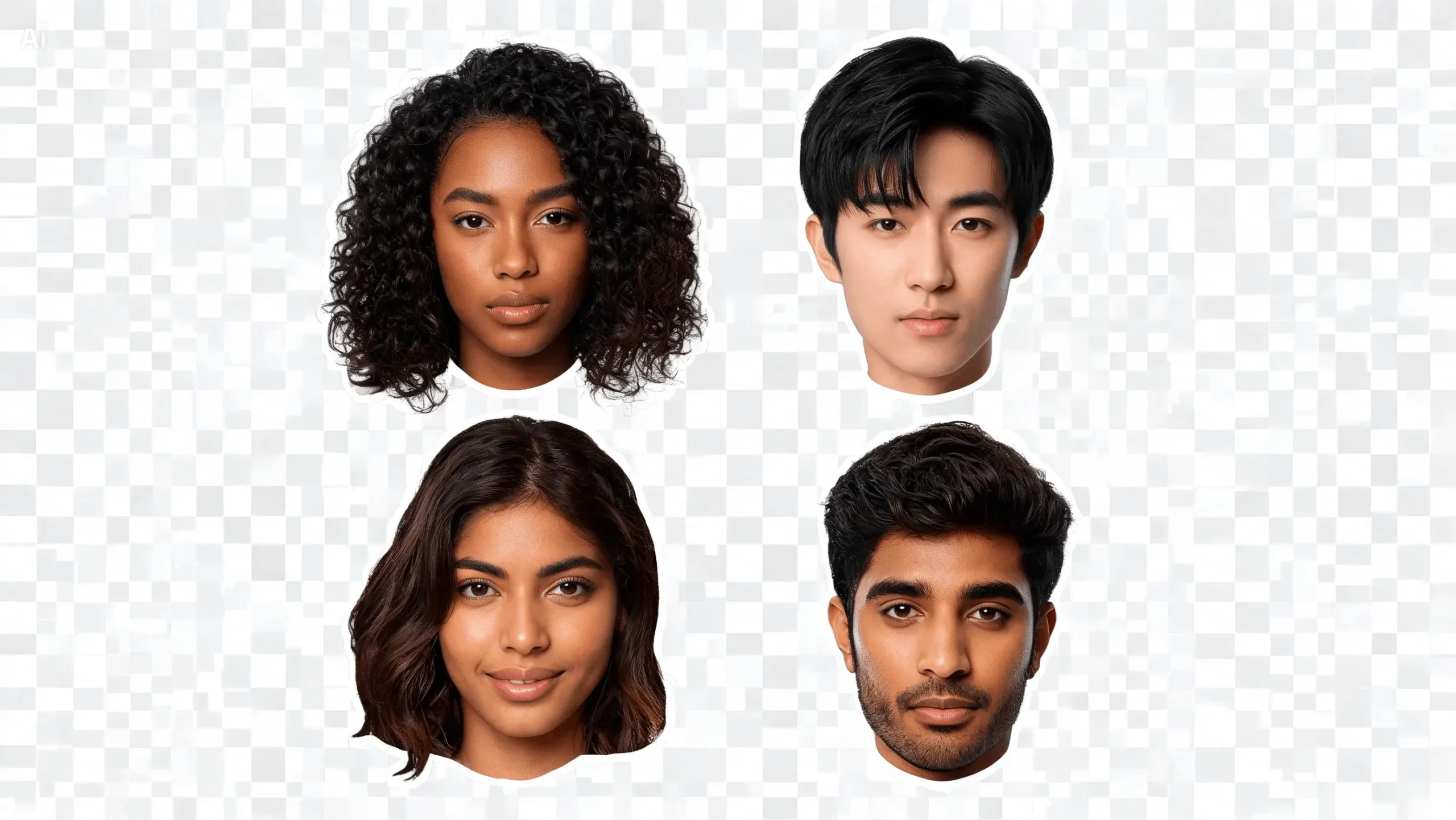
Digital images have become a huge part of how we communicate, market, teach, entertain, and just express ourselves creatively. As visual content keeps growing, people increasingly need simple ways to pull a person or object out from the background of an image. This is usually called background removal, image cutout, or subject isolation.
Modern editing tools work way faster than the old manual methods. These days, you can use AI and computer vision to pick out the main subject and separate it from the background, instead of slowly tracing the outline by hand with a selection tool. Once you get how this works, it’s easier to make smarter choices when you’re editing images.
What Is a Face Cut Out, Exactly?
A face cut out means isolating a person’s face or head from the rest of an image. Depending on the tool, that might mean stripping out the entire background around a person, or creating a transparent cutout that can be dropped into another design.
The concept ties back to broader image segmentation technology. An editing system examines the image and figures out which pixels belong to the foreground subject and which belong to the background. When the subject’s a person, facial features, body shape, contrast, edges, and other visual cues all help the software figure out where the correct boundary sits.
The result can then get used in profile pictures, digital artwork, presentations, thumbnails, collages, posters — pretty much any visual project.
How AI-Based Background Removal Actually Works
AI’s genuinely changed how editing apps handle complex selections. Traditional editing used to require manually tracing around a subject by hand, which could eat up a lot of time when the image had complicated edges.
That mask decides what stays visible and what becomes transparent or gets removed. More advanced systems can also refine the boundary between subject and background further, for a cleaner final result.
Why Hair and Fine Details Are Genuinely Hard
Automated background removal has improved a lot, but certain things remain genuinely difficult. Hair’s probably the toughest example — individual strands can be thin, partially transparent, and visually blend right into the background.
Other tricky spots include glasses, earrings, loose clothing, tree branches, fur, and anything with irregular edges. A photo with poor lighting, or a background that closely matches the subject’s colors, also makes accurate segmentation harder.
That’s exactly why the quality of the original image matters so much. A clear photo with strong contrast between subject and background just gives automated editing a lot better starting conditions.
Common Uses for Subject Cutouts
Cutout technology shows up across a lot of different content types. Social media creators isolate people for thumbnails, profile graphics, and short-form video designs. Students use cutout images in presentations and creative projects. Businesses use isolated product images in catalogs, ads, or informational graphics.
Graphic designers also combine several cutout subjects into a single composition. A person can get pulled from an original photo and placed against a completely new background, without having to recreate the whole image from scratch.
To ensure these visual assets align seamlessly with broader digital marketing and branding, companies often rely on modern creative design solutions to craft cohesive, conversion-ready layouts from raw isolated graphics.
For anyone wanting a straightforward way to try this kind of editing, a face cut out workflow is genuinely useful for separating a subject before dropping it into another visual project.
Picking the Right Image for a Cutout
The starting photo has a huge effect on how the final result turns out. Images with sharp focus, decent lighting, and a clearly visible subject are generally a lot easier for automated systems to process well.
A simple background helps too. When the subject has strong visual contrast against its surroundings, the software has more to work with. Busy backgrounds, heavy shadows, motion blur, and overlapping objects all make the separation less precise.
Resolution matters as well. Very small or heavily compressed photos might just not have enough detail around important edges, which makes refinement harder down the line.
Transparency and File Formats
Once the background’s removed, transparency becomes important. A transparent image lets the subject sit on top of a different background without a solid rectangle showing up around it.
PNG’s the usual choice here since it supports transparent areas properly. JPEG, by comparison, doesn’t preserve transparency the same way. Picking the right file format really comes down to how the edited image is actually going to be used.
If the cutout’s headed into a presentation, website graphic, poster, or design project, keeping transparency intact makes it a lot easier to blend the subject with other visual elements around it.
Manual Editing Still Has a Real Role
AI automation doesn’t eliminate manual editing entirely — not for every image, anyway. Some photos still need small corrections after automatic segmentation. Designers might need to restore a missing detail, clean up unwanted fragments, or refine an edge around hair and clothing that the AI didn’t quite get right.
The smart way is to think of automated background removal as a starting point and not assume that every outcome will be perfect. Looking closely at the edges often shows up minor errors that aren’t obvious at normal viewing size.
Where Image Cutout Technology Is Headed
As computer vision models continue to improve, image segmentation will become more accurate and easier to use. The tools of the future may make it much easier to work with complex scenes, overlapping objects, transparent materials and fine details such as individual hair strands than it is today.
The broader trend here is making advanced editing techniques accessible without needing professional-level skill. People can already do things in minutes that used to take detailed manual work.
At the end of the day, face and background cutout technology is useful because it simplifies a really fundamental editing task. Whether the goal’s creative design, social media content, education, or just everyday photo editing, understanding both the strengths and the limits of automated segmentation helps people get cleaner, more effective results out of it.
