


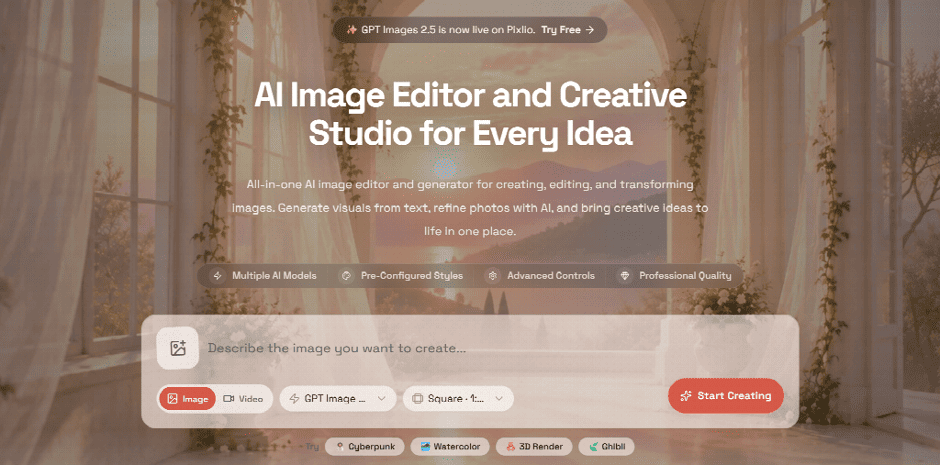
AI image tools used to feel like isolated experiments. You entered a prompt, waited for a result, downloaded the image, and opened another app when something needed changing. That approach is fine for a one-off image. It becomes cumbersome once a project involves several rounds of editing.
In practice, creative work rarely ends with the first generation. A product photo might need a new background, then a wider composition for a banner. A portrait may need a style change before being turned into a profile picture. An illustration that looks almost right may only need one small correction.
Platforms such as Pixlio are moving toward a more connected approach: keeping generation, editing, refinement, and specialized image tasks within the same creative environment.
Table of Contents
Most editing starts with something you already have
Starting from a blank prompt is not always the easiest option. Often, there is already a photo, illustration, product shot, or previous AI creation worth keeping.
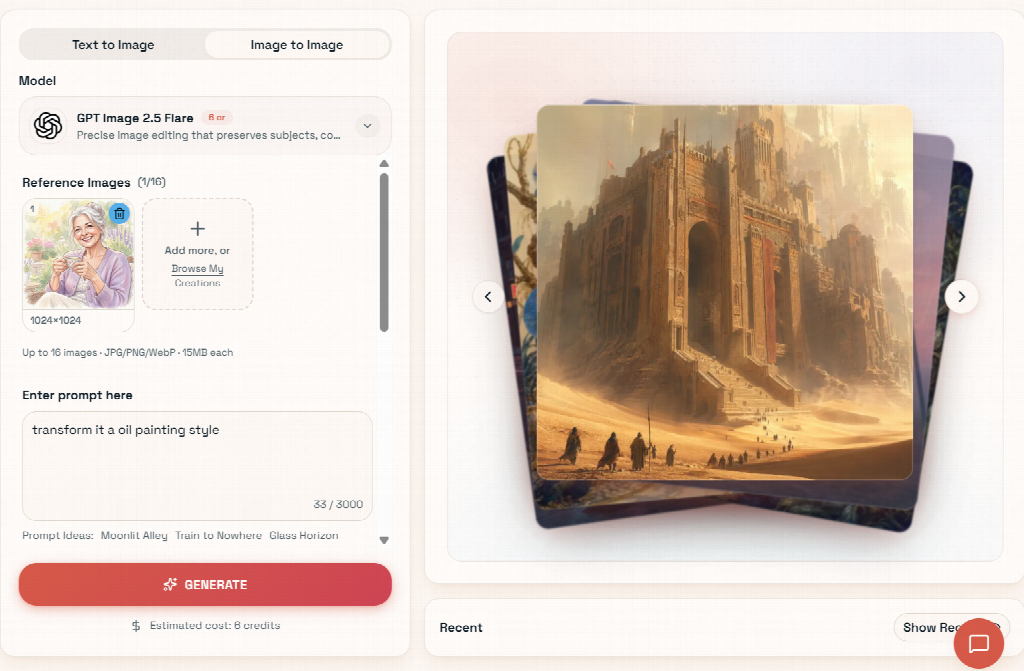
With an AI image editor, that image can become the reference. Instead of describing the whole scene again, you describe what should change: replace the background, alter the lighting, add an object, change the visual style, or rework the atmosphere.
This is useful when certain details matter. A product has a specific shape. A portrait has a particular pose and identity. An existing composition may already be strong except for one distracting element. Using the original image as a starting point gives the model more context than rebuilding everything through text alone.
Pixlio’s editor follows this image-first approach while also keeping text-to-image available in the same space. Users can create something new when needed, then continue working with the generated result rather than treating generation and editing as unrelated tasks.
Different image models are available as well. That matters because there is no single model that is equally good at every kind of edit. Some are better suited to substantial visual changes, while others may be preferable when the goal is to preserve more of the source.
The second edit is often more important than the first
AI editing tends to work best as a conversation with the image rather than a single command.
You might first ask for a cleaner studio background and like the result, except that the lighting has become too cold. The next instruction can focus only on warming the light. After that, perhaps the composition needs more room around the subject.
Pixlio lets a generated result become the reference for another edit. That sounds like a small detail, but it makes experimentation much less awkward. You are building on the version you already chose instead of repeatedly downloading and uploading intermediate files.
The same idea applies when the next task is no longer another prompt-based edit. Quick actions beside the generated image can carry it into an upscaler, background remover, canvas extender, or AI video generator.
Those actions do not pretend to perform every operation instantly. They bring the selected image into the appropriate tool, where you can review the relevant settings and continue. The benefit is simply that the image follows you.
Some jobs are easier with tools built around the task
A general editor is useful when you can clearly describe what you want changed. For familiar creative jobs, however, a more focused interface can be faster.
Pixlio therefore combines its general AI image editor with case-based tools designed around specific outcomes.
The Caricature Maker, for example, is intended for turning portraits into stylized caricatures without requiring users to invent the entire transformation prompt themselves. The AI Professional Headshot tool approaches portraits differently, focusing on business-oriented presentation, clothing, and background choices.
The AI Book Cover Generator is more specialized still. Book covers involve more than producing an attractive image; genre, story premise, mood, composition, and typography all matter. Giving those elements their own place in the interface makes more sense than forcing an author to encode everything into a long prompt.
This kind of specialization is useful because most people approach AI tools with a goal, not a model specification. Someone wants a headshot, a book cover, or a caricature. They should not need to learn the vocabulary of image generation before they can begin.
One useful image can lead somewhere else
The real value of a creative platform becomes clearer after an image has been made.
A portrait can become an avatar. A product image can be cut out for an online store. A square composition can be extended into a landscape banner. A finished still can serve as the starting frame for a short video.
Keeping these options near the result removes some of the tedious file handling that normally appears between creative steps. Recent creations can also be reopened later, which is useful when an image turns out to have another purpose days or weeks after it was made.
AI image editing is becoming less about producing a single impressive result and more about what happens after that result appears. The tools that feel most practical are the ones that let you keep working: revise what is already good, send it into a more specialized task, and reuse it somewhere else without starting over.
