


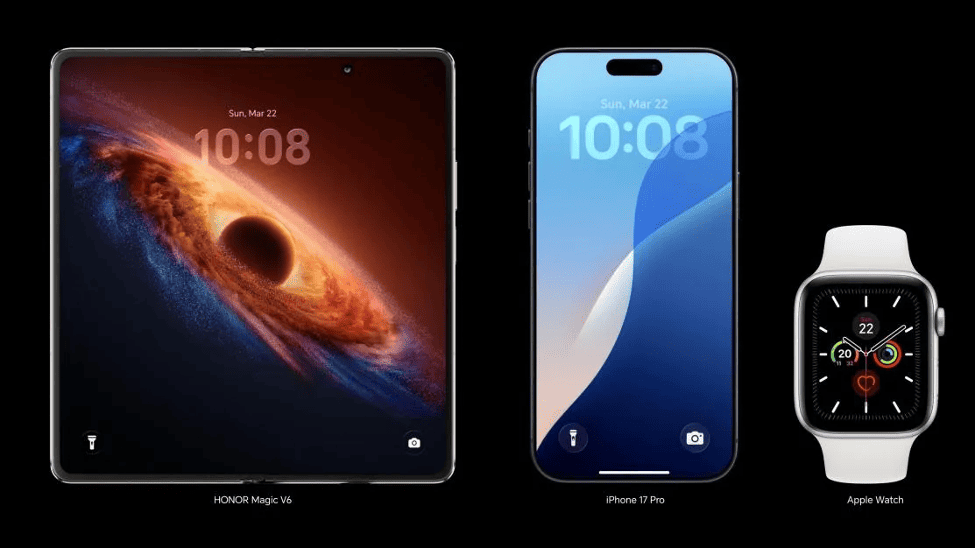
HONOR smartphone connectivity features are designed to keep daily tasks simple, fast, and flexible. From stable mobile networks and Wi-Fi access to Bluetooth pairing and quick file transfers, these tools support work, entertainment, and communication without extra complexity. HONOR also adds practical collaboration features that help phones connect with tablets, PCs, wearables, and accessories more smoothly. Understanding these options makes it easier to choose the right device and use it more effectively. This guide explains the main connectivity features on HONOR smartphones and how they support a more convenient digital experience in everyday use.
Table of Contents
Essential Connectivity Features to Know on HONOR Smartphones
Mobile Networks, Wi-Fi, and Bluetooth for Everyday Connections
HONOR smartphones support the core wireless connections most users rely on every day: mobile data, Wi-Fi, and Bluetooth. Mobile network support enables calling, messaging, streaming, navigation, and app use when you are away from home or office networks. Wi-Fi helps reduce mobile data usage while providing faster and more stable internet access for downloads, video calls, and cloud syncing. Bluetooth makes it easy to connect wireless earbuds, speakers, smartwatches, car systems, and other accessories without cables. Together, these features create a reliable foundation for everyday connectivity. On HONOR devices, settings for these connections are typically easy to access, making pairing, switching, and network management straightforward for regular use.
NFC, USB, and Other Useful Connection Options
Beyond standard wireless tools, HONOR smartphones often include additional connectivity options that make everyday tasks easier. NFC supports quick tap-based actions such as contactless payments, fast device pairing, and reading compatible tags. USB connectivity remains important for charging, wired file transfer, and linking the phone to other hardware when needed. Depending on the model, users may also benefit from hotspot functionality, location services, screen casting, and tethering for internet sharing. These options are useful when wireless access is limited or when a direct connection works better. Together, they give HONOR phones more flexibility for both personal and practical use, helping users move between accessories, networks, and devices with minimal effort.
How HONOR Smartphones Improve Device Collaboration
Sharing Files and Content Across Connected Devices
HONOR smartphones support smoother sharing between connected devices, which helps users move photos, videos, documents, and links with less friction. Instead of relying only on messaging apps or cloud uploads, users can often send content directly between nearby compatible devices through built-in sharing tools and wireless connections. This is useful for quickly transferring work files, backing up media, or sending presentations to a larger screen. Content sharing also extends to copying text, opening links across devices, and moving images between a phone and another screen for editing or viewing. These features save time in daily routines and make the smartphone a more practical hub for managing personal and work content.
Multi-Screen Collaboration for Phones, PCs, and Tablets
Multi-Screen Collaboration is one of the most useful HONOR connectivity features for people who use several devices during the day. It allows a smartphone to work more closely with a compatible PC or tablet, making it easier to view phone content on a larger screen, drag files between devices, and manage tasks without constant switching. Users can respond to messages, access photos, and open selected mobile apps while continuing work on another device. This setup supports a smoother workflow for study, office tasks, and personal organization. Instead of treating each device separately, HONOR brings them into a more unified system, helping users save time and stay focused across screens.
Creating a More Connected Digital Experience
A strong connectivity system does more than link a phone to the internet. On HONOR Phones, it helps create a connected experience across accessories, smart devices, and daily services. Wireless audio connections support entertainment on the move, while device syncing helps keep calendars, files, and notifications more accessible. Connected features can also improve convenience at home, in the car, or at work by reducing the need for repeated setup steps. When a smartphone communicates smoothly with other devices, tasks feel faster and less interrupted. HONOR focuses on practical connections that support real routines, turning the phone into a central tool that helps users manage communication, productivity, and media more efficiently.
Choosing Connectivity Features Based on Your Usage Needs
Choosing the right connectivity features starts with how you use your phone each day. If you stream, game, or work on the move, strong mobile network support and dependable Wi-Fi matter most. If you use wireless earbuds, watches, or in-car systems often, Bluetooth performance should be a priority. NFC is especially useful for quick payments and simple device pairing, while USB options remain important for charging and transferring large files. Users who work across screens should pay close attention to collaboration features that connect phones with PCs or tablets. By matching these functions to your habits, you can pick an HONOR smartphone that supports your routine more effectively and reduces unnecessary friction.
Conclusion
HONOR smartphone connectivity features cover the essentials users expect while also adding smarter ways to connect devices and share content. Mobile networks, Wi-Fi, Bluetooth, NFC, and USB support form the base for everyday communication and convenience. On top of that, collaboration tools such as file sharing and Multi-Screen Collaboration help create a smoother experience across phones, tablets, and PCs. These features are most valuable when they match how you actually use your devices. By understanding what each connection option does, you can make better choices and get more practical value from your smartphone in daily life, whether for work, entertainment, or personal organization.
