


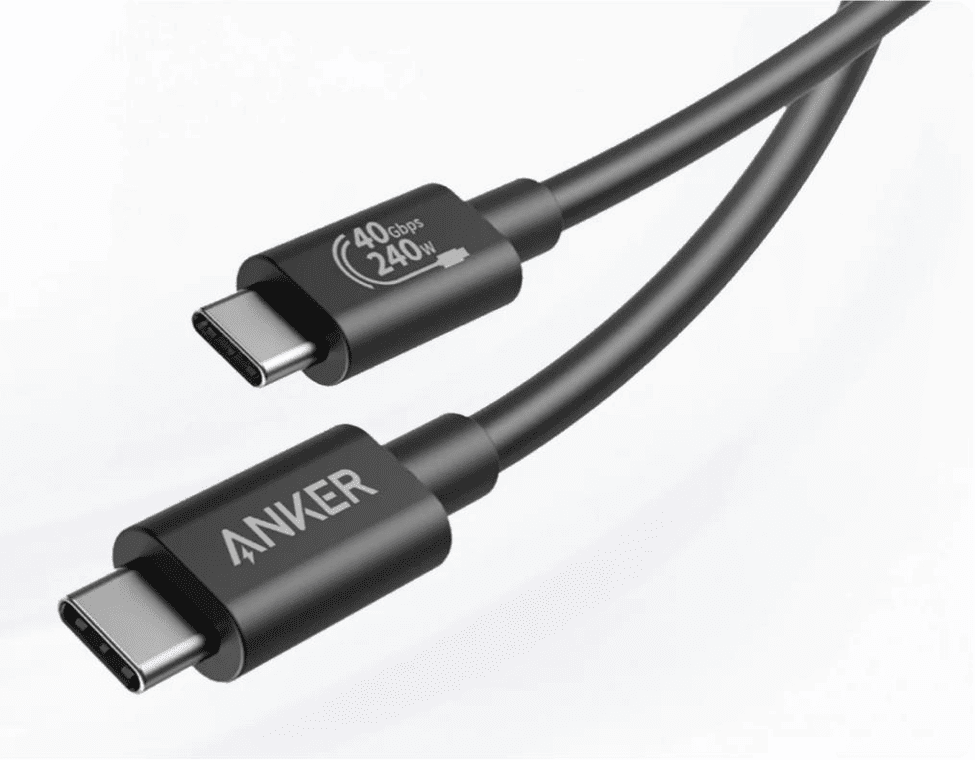
A USB charger directly affects charging speed because it controls how much power your device can receive and whether it supports the right charging protocol. A low-output charger may refill a phone or tablet slowly, while a higher-wattage charger with compatible fast-charging support can cut charging time significantly. The cable also matters, since weak or damaged cables can limit current flow. Charging speed is not determined by the charger alone, though. Your device’s battery design, power management system, temperature, and software all influence how quickly it accepts power. The fastest results happen when charger, cable, and device are properly matched.
Table of Contents
Key Factors That Determine USB Charging Speed
Charger wattage and power output explained
USB charging speed starts with wattage, which is calculated by multiplying voltage by current. A charger rated for higher wattage can deliver more power, allowing compatible devices to charge faster. For example, a basic usb charger may provide 5W, while newer models can supply much more for phones, tablets, and other electronics. However, the charger does not force excess power into a device. The device only draws the amount it is designed to accept. That means a powerful charger can still safely charge a smaller device, but it will not always make it charge faster. If the charger’s output is too low, charging slows down, especially when the device is in use. Adequate wattage is essential for efficient, stable charging overall.
USB charging standards and device compatibility
Charging speed also depends on whether the charger and device support the same USB charging standard. Modern USB chargers may use standard USB charging, USB Power Delivery, or other fast-charging methods that adjust voltage and current through communication between the charger and device. When both sides support the same protocol, charging becomes faster and more efficient. If they do not match, the connection usually falls back to a basic charging mode with lower power. Port type matters as well, since USB-C typically supports newer power features more effectively than older connectors. Device compatibility is just as important as charger output. A phone designed for standard charging will not gain full fast-charge benefits from an advanced adapter unless its internal charging hardware supports that capability too.
How USB Chargers and Cables Work Together
Why cable quality affects charging performance
A USB cable does more than connect your device to power. It also determines how efficiently electricity travels from the charger to the battery. Poor-quality cables often have thinner internal wires, weak shielding, or worn connectors that increase resistance and reduce charging speed. That power loss becomes more noticeable with higher-output chargers, where the cable must handle greater current safely. Some cables support only basic charging, while others are designed for faster power delivery and data transfer. If the cable is damaged, loosely fitted, or overly long, charging can slow further or become inconsistent. Using a reliable cable that matches your charger’s power capability helps maintain stable charging performance. In many cases, replacing the cable solves slow charging more quickly than replacing the charger.
Matching a USB charger with different devices
Matching a USB charger to the device you are charging helps balance speed, safety, and battery care. Phones, tablets, earbuds, handheld gaming devices, and laptops all have different power requirements. A compact accessory may charge well with a low-wattage adapter, while a larger device may need a charger with much higher output to perform properly. The best match is a charger that supports the device’s preferred charging standard and provides enough wattage without falling short. Using a charger with more available power is generally fine because the device regulates what it draws. Problems usually appear when the charger lacks sufficient output or uses an incompatible protocol. Checking the device’s charging specification and port type makes it easier to choose the right USB charger.
Practical Tips to Improve Charging Speed and Battery Performance
Common charging mistakes that reduce speed
Several everyday mistakes can make charging noticeably slower. Using an underpowered USB charger is one of the most common, especially for tablets or newer phones that expect higher wattage. Old, frayed, or low-quality cables also reduce current flow and create unstable charging. Charging from a computer USB port often delivers less power than a wall charger, which increases charging time. Heavy phone use while charging, such as gaming, video streaming, or navigation, can offset incoming power and slow battery recovery. Heat is another major issue because high temperatures cause devices to limit charging speed to protect the battery. Dust or debris in the charging port can also weaken the connection and reduce charging efficiency over time.
Simple habits for safer and faster charging
A few simple habits can improve charging speed while helping the battery stay healthier. Use a charger and cable that match your device’s recommended power level and supported charging standard. Plug into a wall outlet instead of a low-power USB port when faster charging matters. Keep the charging port clean and make sure the cable fits firmly. Remove thick cases if the device becomes hot, since excess heat can slow charging. For the quickest top-up, reduce screen brightness, close demanding apps, or enable airplane mode temporarily. Charge in a cool, ventilated place rather than under pillows or in direct sunlight. Replacing worn cables early also prevents slow, inconsistent charging and connection problems.
Conclusion
A USB charger affects charging speed by determining available power, supporting specific charging standards, and working with the right cable and device. Faster charging happens when wattage is sufficient, protocol support matches, and the cable can carry power efficiently without excess resistance. Slow charging usually points to a weak charger, poor cable, device heat, or an incompatible setup. Choosing the proper charger is less about buying the strongest adapter and more about matching the device’s actual charging requirements. When you pair a suitable charger with a quality cable and good charging habits, you get quicker, safer, and more reliable charging performance every day.
