


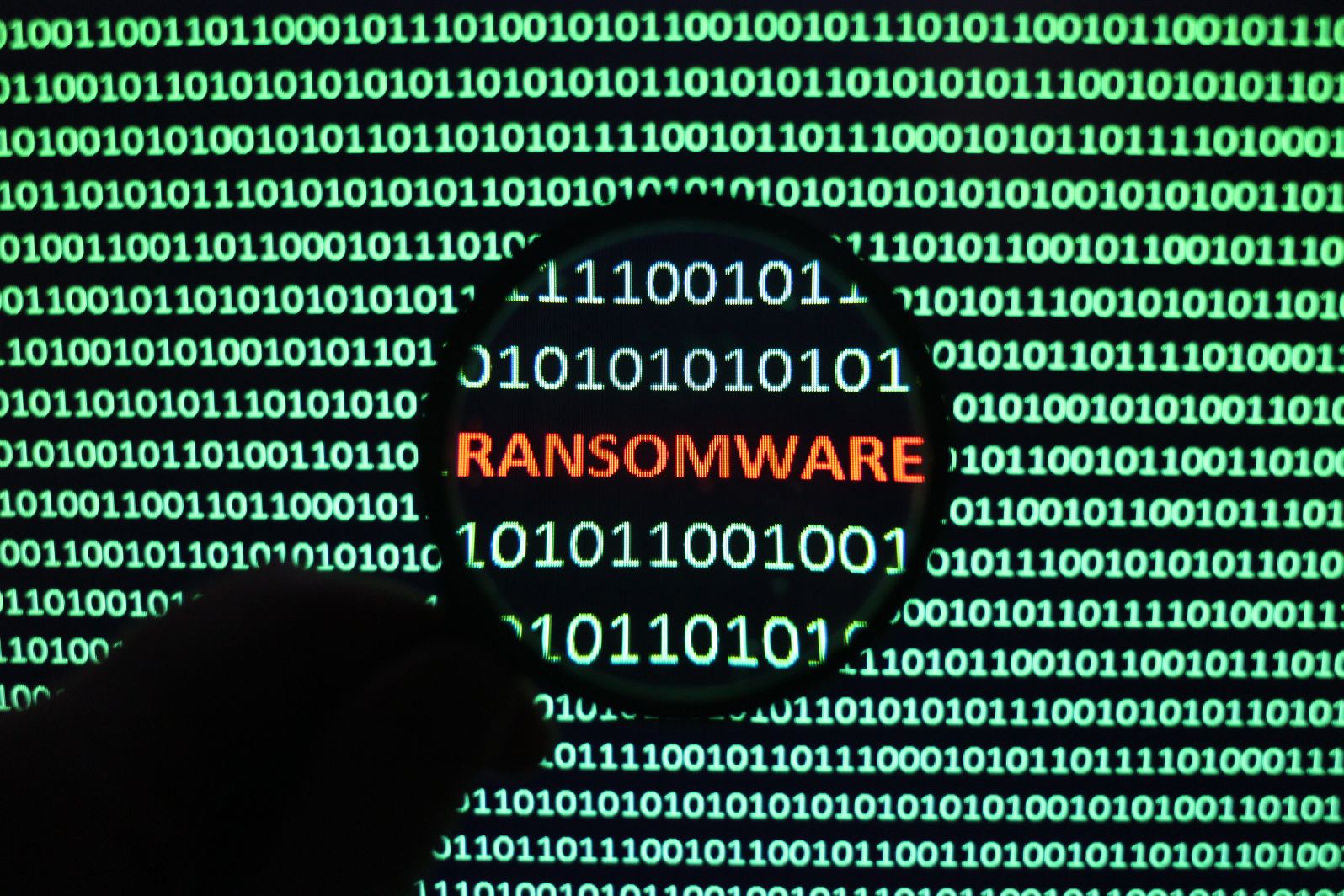
A ransomware attack can happen at almost any moment, affecting businesses and individuals. Whether or not you’ve been a victim of the threat, it’s not going away anytime soon. So, what should you do about it?
Immediate action is the key to protecting your files and systems. Many recommend following proper ransomware remediation practices to prepare you for these attacks. But what does that mean?
Read on to learn five excellent practices to use against a ransomware attack.
Table of Contents
1. Keep Your Systems Updated
Prevention is one of the best ways to protect yourself from cybersecurity threats. While there are several solutions for this, one you should always keep in mind is to keep your systems up to date.
Your operating system creates updates and patches to enforce new access controls and ensure your device runs updated anti-malware measures. And so, it allows you to have the latest security and privacy features to push back system threats.
If you own a small business or company, you should practice system updates regularly to ensure everything is in place. In doing so, you can detect unauthorized access in your network and configure your firewall to prevent malicious code and traffic from passing through.
Nonetheless, updated systems contribute to protecting your files from cybersecurity issues and prevent them from reaching your system. You can also look at the update description before you let it process if you feel hesitant about it.
2. Always Have Backup Solutions
A backup won’t necessarily stop a cyber threat from reaching your data. But it can keep you from losing everything, which is just as bad as encountering a ransomware attack.
Most malware causes you to lose most, if not all, of your files. So, you want to have different backup solutions in place. It also helps to ensure your backups aren’t directly connected to your primary network to protect them from further access.
Making regular backups allows you to reduce the time you need to recover from an attack and lets you keep a copy of crucial data in a safer space. Moreover, it’s convenient to have in case you lose access to your primary system.
Here are a few backup solutions you want to consider:
Computer or Device Backup
You can create a data backup tied to your account or store it in the device. This way, you can easily sync your data when something comes up.
The downside is you may not be able to get them back when your device becomes inoperable, corrupted, or stolen. So, you want to have another backup source besides this.
Cloud Backup
A cloud backup allows you to store your data away from your device and through the internet. It makes a great storage if you prefer to access your files anytime, anywhere. Moreover, it provides more options for additional security, like encryption, multi-factor authentication, and passwords.
When you use a cloud backup, you want to choose a reliable storage provider. You should also prepare a big budget since most free services have storage limits. You usually have to pay a monthly or yearly fee for more space.
External Storage
One of the easiest and best backup options is having external storage. It refers to placing your data in an external device, such as a hard drive, through cables or a wireless connection.
It lets you remove your files from your system and access them through different devices. Even so, you should know they have limited storage, can wear over time, and have the risk of being stolen or lost.
Removable Devices
Removable devices are a simple and practical way to store data. It’s usually small, portable devices, like flash drives and disks.
Although convenient, they offer the least storage space among the given options. So, you might need multiple of them to hold all your files.
Even so, they’re compatible with most devices, allowing you to access your files almost anywhere at any time.
3. Employ Advanced Ransomware Protection
You want to deploy advanced malware protection by creating a secure, multi-layered defense strategy. It includes using high-tech solutions that can provide continuous detection and response capabilities.
A few of these you want to note include the following:
Firewall
A firewall is your device’s first line of defense against a data breach. It helps block off attacks and attacks from reaching your network. Moreover, it monitors and controls incoming and outgoing traffic based on its security structure.
Anti-Virus Software
Anti-virus software is a program designed to scan and remove malware from your device and network. Usually, it detects and quarantines the virus to keep it from affecting your system. At the same time, it blocks unprotected sites or those that present malicious activity.
You can also look for a good cybersecurity service provider to ensure constant protection.
Cloud Solutions
You can opt for different cloud solutions to help you clean your system of viruses. Some of these include advanced network scanning and restoration.
4. Disseminate Security Protocols
Even when you protect your system with the most advanced tech, you can still suffer data loss and attacks without proper education. So, prioritize learning about how malware works and its impacts.
It allows you to understand the value of simple security measures, like strong passwords or verifying accounts. Additionally, it teaches you to be vigilant with what you click and see online.
As a big or small business owner, you should educate your employees and personnel through regular training and proper protocols.
5. Have an Emergency Response Plan
You should always have an emergency response plan to prepare for even the worst-case scenario. It should include anything from backups to network shutdowns.
Remember, you should always test it before deploying it to ensure it provides proper protection and doesn’t harm your system. It should also be able to identify, contain, and mitigate the attack’s impact.
If you aren’t sure how to get started, consider finding a cybersecurity provider or contacting a professional for assistance.
Protect Yourself from Online Threats With Proper Ransomware Remediation
You can protect yourself from any cyber threat with proper ransomware remediation practices. It includes updating systems, having backups, and deploying different security protocols. This way, you can keep your files protected and surf the web with ease.
Check out the rest of our blog to learn more tips.
